How to Prepare Your Financial Documents for a Faster Online Loan Review

Sarah Jenkins
Managing Editor, Borrowing · Updated October 2026
Sarah Jenkins
Managing Editor, Borrowing · Updated October 2026
Imagine you have finally found the perfect personal loan in 2026. You have compared rates, checked your budget, and decided that a 15,000 dollar injection of capital is exactly what you need for those home renovations or to consolidate high-interest debt. You submit your application online, expecting an instant decision, but instead, you are met with a frustrating silence. Three days later, an email arrives: the lender needs more proof of income and a clearer copy of your most recent paystub. What could have been an hour-long process has turned into a week-long ordeal because of a single, poorly scanned piece of paper.
This scenario is far from rare in the modern lending landscape. While technology has made it possible to apply for credit with a few clicks, the underlying underwriting process still relies heavily on human and algorithmic verification of your financial reality. In 2026, as competition among lenders intensifies, speed is a major differentiator. However, even the fastest lender cannot move at lightspeed if your documentation is incomplete or unreadable. Typically, personal loan APRs can range anywhere from 5.99% to 35.99%, and the specific rate you receive is often tied directly to how clearly you can demonstrate your ability to repay that debt.
This article is designed to move you past the 'document purgatory' phase of loan applications. We will walk through exactly what lenders are looking for, from W-2s to bank statements, and show you how to organize them so that an underwriter can say 'yes' without needing to ask follow-up questions. Whether you are a W-2 employee or a self-employed entrepreneur, preparing your digital paper trail is the single most effective way to ensure your application moves through the system with maximum velocity.
While services like Netfondcredit can help you explore various loan options and find lenders that fit your profile, the actual speed of your approval depends largely on how prepared you are when you finally hit that 'submit' button.
When a lender reviews your application, their primary goal is to verify the income you claimed on your initial form. They aren't just looking for a number; they are looking for consistency and legitimacy. For most W-2 employees, this means providing your two most recent paystubs and potentially your last year's W-2 form. If you earn $5,000 per month, the lender wants to see that same amount (or a very similar figure) reflected in your gross pay across multiple periods.
One common error is providing only one paystub when two or more are required for verification. For example, if you are applying for a $10,000 loan, the lender wants to see that your income isn't just a one-time bonus, but a recurring stream of revenue. They will look at your year-to-date (YTD) earnings on those stubs to ensure your current financial trajectory matches what you told them during the application process.
To streamline this, follow these steps for income verification:
Continuity is a word that underwriters love. If there is a gap in your employment or a significant fluctuation in your monthly income, it acts as a red flag that triggers deeper scrutiny. This is particularly true if you are transitioning between jobs or working on commission-based roles where earnings vary wildly from month to month.
If your paystubs show highly irregular amounts, the lender may require additional documentation to prove stability. For instance, if you earned $4,500 in January but only $3,200 in February, a lender might want to see why that gap occurred. They are looking for evidence that your income is predictable enough to cover your new loan payments consistently over the next few years.
This is where many borrowers stumble. They assume that because their credit score is high, the lender will simply take their word for it. However, as noted by organizations like the Consumer Financial Protection Bureau (CFPB), lenders have a responsibility to ensure they are making sound lending decisions based on verified data. This means they cannot skip the verification step just because your profile looks good on paper; they must see the physical proof that the income actually exists and is consistent.
It is not just about how much you earn; it is also about what you have in the bank. When lenders evaluate your application, they look at your Debt-to-Income (DTI) ratio, which compares your monthly debt obligations to your gross monthly income. While a low DTI makes you an attractive borrower, showing strong liquid assets can provide additional comfort to the lender.
There is often a debate between providing paystubs versus bank statements. Let's look at the trade-offs: Paystubs are the gold standard for proving employment and regular cash flow. Bank statements, on the other hand, prove that you actually have the money in your account to cover those payments. For example, if you are looking at a $10,000 loan with an APR of 12% over 36 months, your monthly payment would be approximately $332. A lender wants to see that after paying this $332, you still have plenty of 'breathing room' in your bank account.
When preparing asset documentation, keep these rules in mind:
If you are self-employed, your documentation needs will be significantly more complex than those of a traditional W-2 employee. Lenders cannot simply look at a single paystub to determine your stability. Instead, they often require your full federal tax returns from the last two years, specifically focusing on Schedule C or your 1040 forms.
Here is where many applicants make a critical mistake: confusing 'gross revenue' with 'net income.' A business owner might have a massive turnover of $200,000 per year, but if their expenses are $195,000, the lender only sees an income of $5,000. When you apply for a loan, the lender will almost always base your eligibility on your net profit—the amount left over after business expenses—rather than the total money coming into your business account.
To avoid confusion and delays, you should prepare a summary that clearly connects your tax returns to your current bank deposits. If you have had significant fluctuations in income due to seasonal work or one-time contracts, be ready to provide a brief written explanation. Proactively addressing these nuances can prevent an underwriter from flagging your application for manual investigation.
To ensure you are ready to move quickly, follow this 'Document Readiness Protocol' before you ever click the 'apply' button. This proactive approach can turn a multi-day review into a single-day approval.
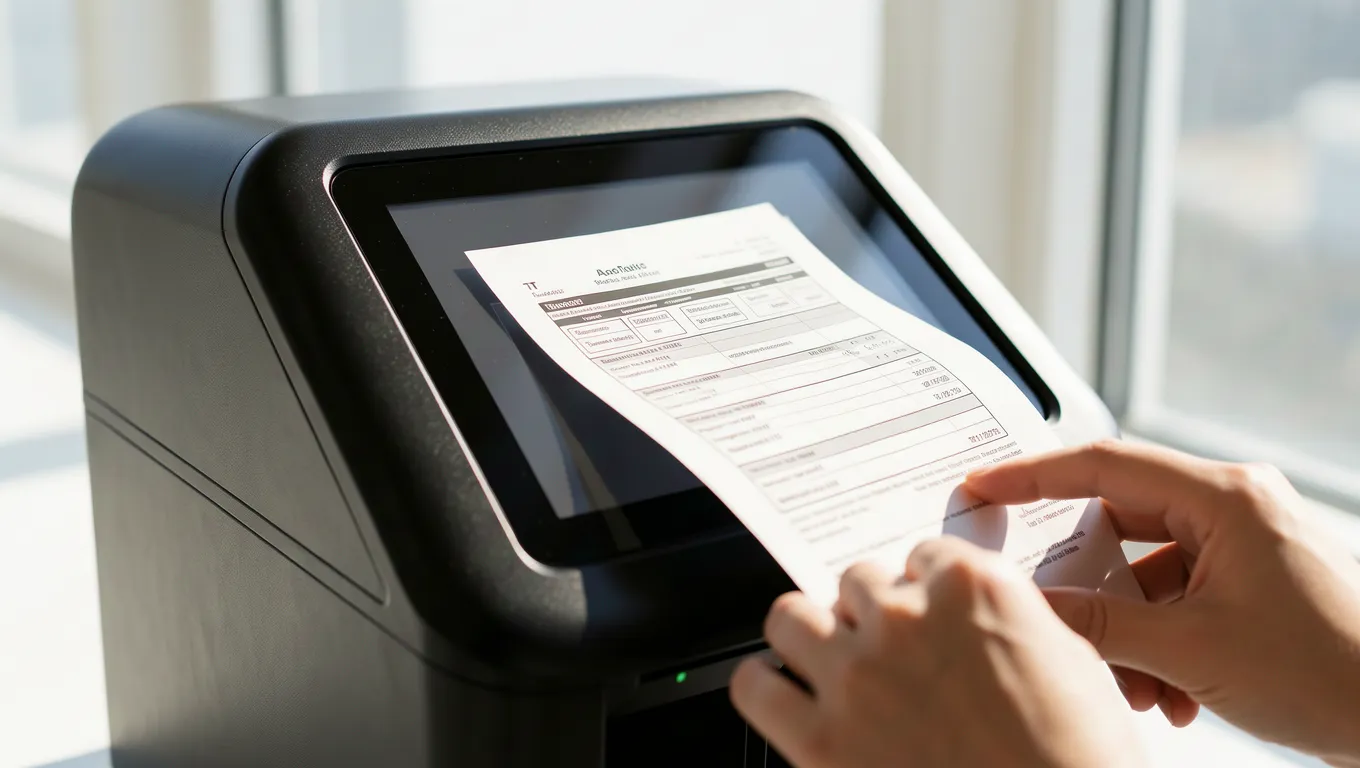
First, perform an audit for clarity and completeness. Open every file you intend to upload and zoom in on your name and the dates. If you cannot read the numbers clearly on your screen, the lender certainly won't be able to either.
Second, standardize your file naming conventions. Instead of uploading files named 'IMG_4829.jpg' or 'Scan_01.pdf', use a clear format like 'JohnDoe_Paystub_Jan2026.pdf' and 'JohnDoe_BankStatement_Dec2025.pdf'. This small step makes the underwriter's job much easier, as they can immediately identify what each file contains without opening it.
Third, verify your identity documents. Most lenders will require a high-resolution scan of your driver's license or passport. Ensure that there is no glare from overhead lighting on the plastic surface, as this often obscures the security features and leads to immediate rejection. Finally, double-check that all names match across every single document—your ID, your bank account, and your tax returns must be perfectly aligned.
Even with the best intentions, technical errors can derail a perfect application. The most common issue we see is the use of low-resolution mobile photos. While it may seem convenient to snap a picture of your document on your desk, these images often suffer from poor lighting, shadows, or 'perspective distortion' where the edges of the paper appear skewed.
Warning: Never upload blurry photos or cropped screenshots that cut off the corners of your documents. Lenders are required by law to verify certain details located at the very edge of a document, such as bank routing numbers or tax identification headers. If those are missing, the document is considered invalid for underwriting purposes.
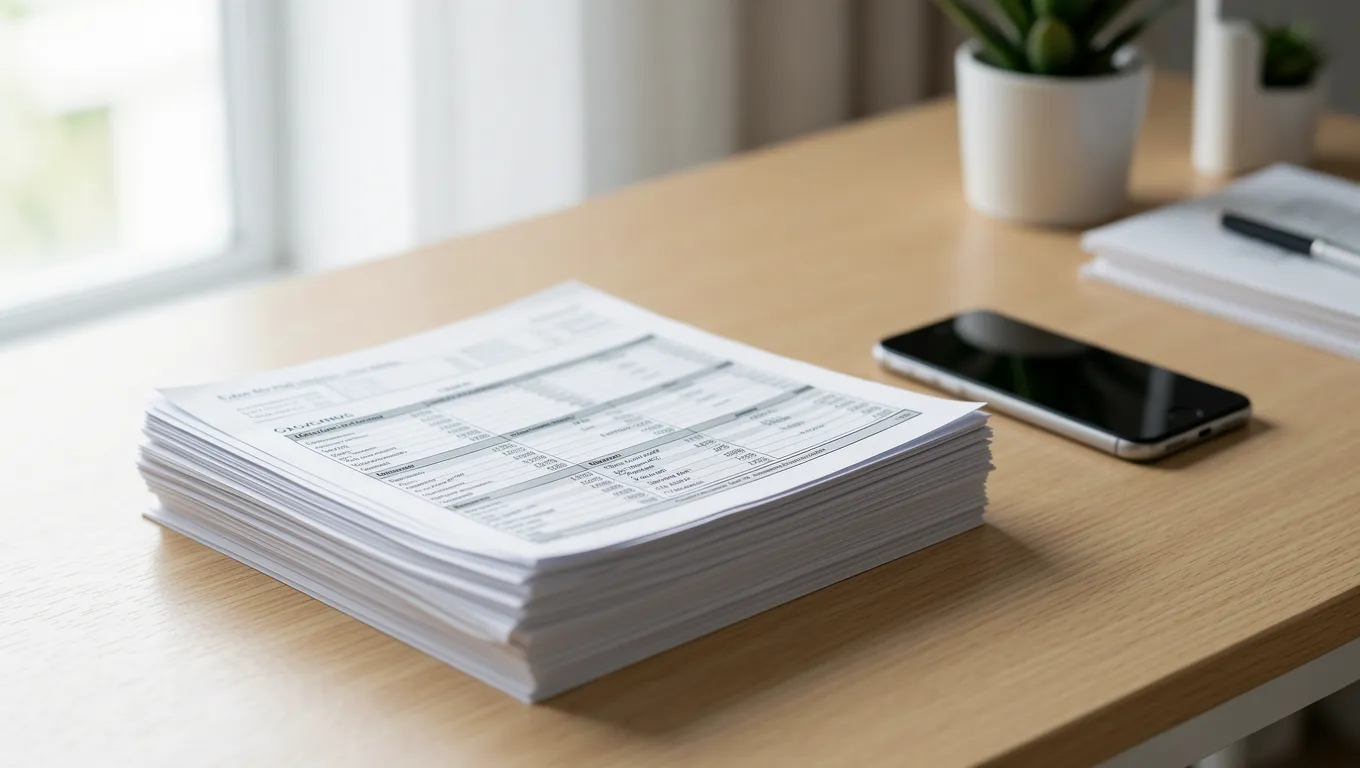
Another subtle pitfall involves 'incomplete page sets.' It is a common misconception that you only need to send the pages with the important numbers on them. In reality, if your bank statement says 'Page 1 of 5' at the bottom, you must provide all five pages. Even if pages 2 through 4 appear to be just fine print or terms and conditions, they are a legal part of that document. Failing to include every page is one of the fastest ways to trigger a request for more information, potentially adding days of delay to your loan review process.